LENS COMPLIANCE TERMINAL
THE OPERATIONAL INTERFACE FOR ENTITY SCREENING AND COMPLIANCE
LENS is the compliance analyst's workstation. Screen entities, review PRISM risk scores, manage cases, batch-process vendor lists, and export audit-ready reports — all from a single terminal powered by IRIS and PRISM.
OVERVIEW
Where IRIS and PRISM meet the analyst.
IRIS resolves entities. PRISM scores them. LENS puts both in the hands of the compliance team. It is the operational surface — the terminal where analysts search, screen, review, escalate, and export.
Every action in LENS is logged. Every screening result is traceable to its upstream IRIS resolution and PRISM score. Batch uploads process thousands of entities in minutes. Real-time alerts surface changes as they happen. The audit trail is immutable.
LENS
HOW IT WORKS
[ SCREENING INTERFACE ]
Search, screen, and inspect entities in seconds.
Type a name, upload a list, or paste an identifier. LENS calls IRIS for entity resolution and PRISM for risk scoring, then displays the results in a structured table. Analysts see scores, tiers, matched sources, and status — all in one view. Click any entity for a full profile with aliases, source citations, and corporate graph.
[ BATCH PROCESSING ]
Screen thousands of entities from a single CSV upload.
Upload a CSV of counterparties, vendors, or beneficial owners. LENS resolves and scores every entity in the file through IRIS and PRISM, tracks progress in real-time, and produces a structured result set with risk tiers, match details, and source-level citations. Average throughput: 500+ entities per minute.
[ REAL-TIME ALERTS ]
Get notified when risk profiles change.
LENS monitors every screened entity continuously. When a sanctions list updates, a new leak database match surfaces, or a jurisdiction is added to the regulatory greylist, affected entities surface immediately in the alert feed. Severity levels (CRITICAL, HIGH, MEDIUM, LOW) drive prioritization. Alerts can trigger automated escalation workflows.
[ AUDIT TRAIL ]
Every action is logged, timestamped, and immutable.
LENS maintains a complete audit trail for every screening, case action, score computation, and export. Who screened the entity, when the score was computed, what sources were active, who opened the case, who escalated — everything is preserved for regulatory examination. Export the full trail as structured data or formatted PDF.
LENS TERMINAL
CAPABILITIES
L01
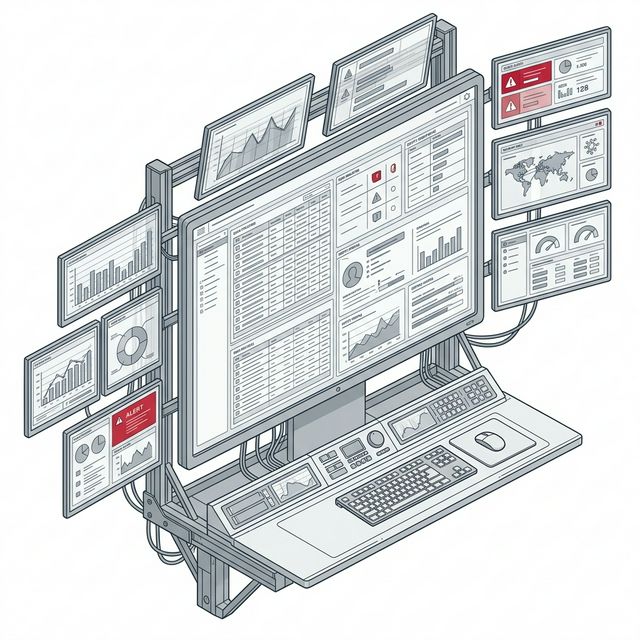
COMPLIANCE DASHBOARD
Unified view of screened entities with PRISM scores, tier classifications, matched sources, and case status. Sort, filter, and export from a single interface.
L02
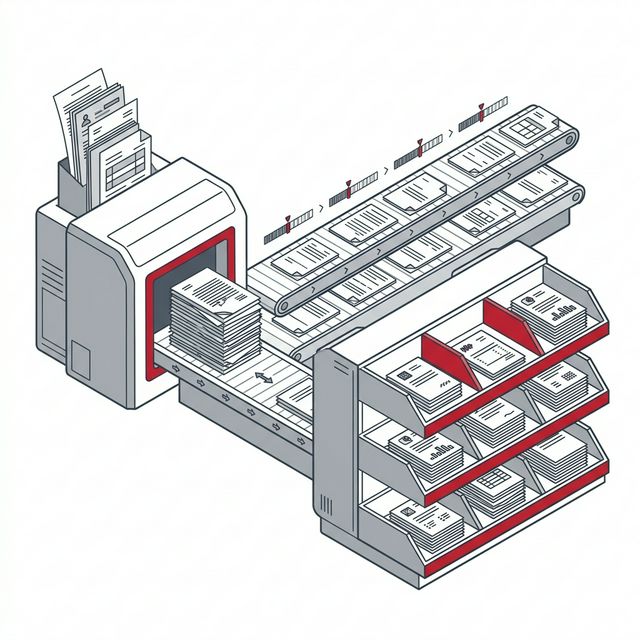
BATCH SCREENING
Upload CSV files with thousands of entities. LENS resolves and scores each entity through IRIS and PRISM with real-time progress tracking and structured result exports.
L03
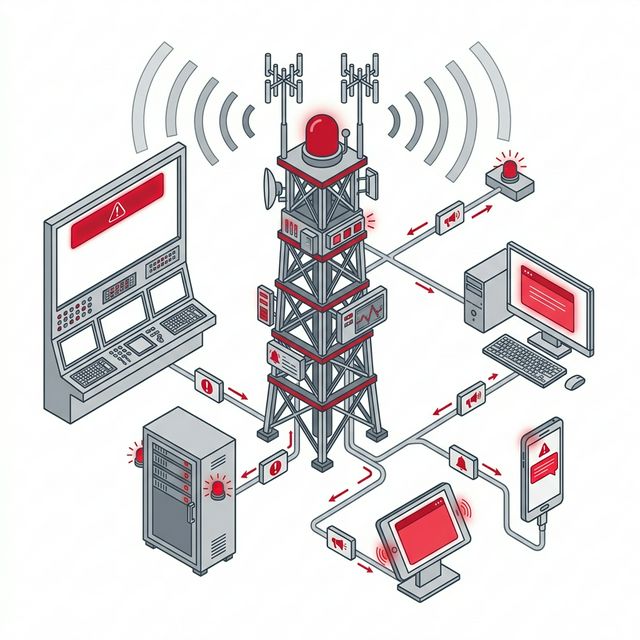
ALERT ENGINE
Continuous monitoring across all screened entities. Real-time notifications when upstream sources change — sanctions additions, delistings, jurisdiction upgrades, new leak appearances.
L04
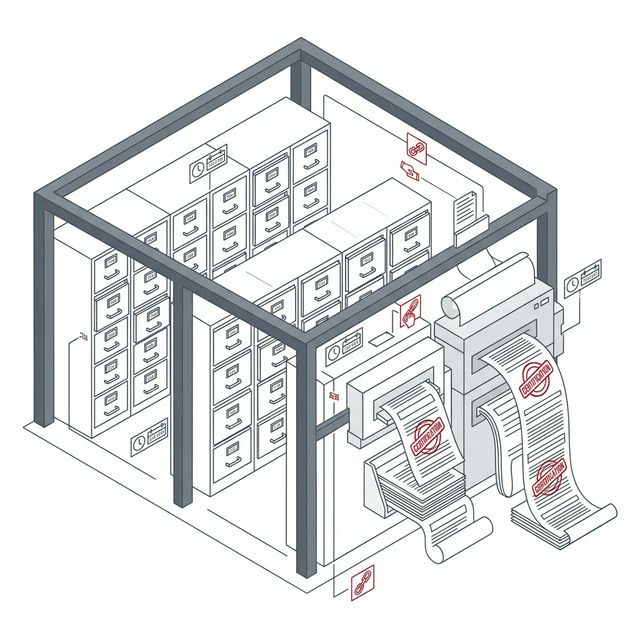
AUDIT & EXPORT
Immutable audit trail for every action. Export entity profiles, screening results, and case histories as structured data or formatted PDF reports for regulatory submission.
LENS TERMINAL
SOLUTIONS
[ ENTITY PROFILES ]
Complete entity dossiers at the analyst's fingertips.
Every entity in LENS has a comprehensive profile: resolved identity, aliases, matched sources, PRISM score breakdown, corporate graph, case history, and audit trail. Analysts can open cases, export reports, view the identity graph, or escalate — all from a single screen. No context switching.
[ SCREENING QUEUE ]
Structured workflow for processing flagged entities.
Flagged entities enter a screening queue with clear status progression: FLAGGED → REVIEW → ESCALATED → RESOLVED/CLEARED. Analysts can filter by tier, sort by score, and bulk-process results. Every status transition is logged with timestamp and user attribution for complete accountability.
[ CASE MANAGEMENT ]
Full case lifecycle from flag to disposition.
When an entity requires enhanced due diligence, analysts open a case directly from LENS. Cases track through a defined lifecycle: opened, under review, escalated, resolved. Documents, notes, and communications are attached. The full case history is preserved for regulatory examination.